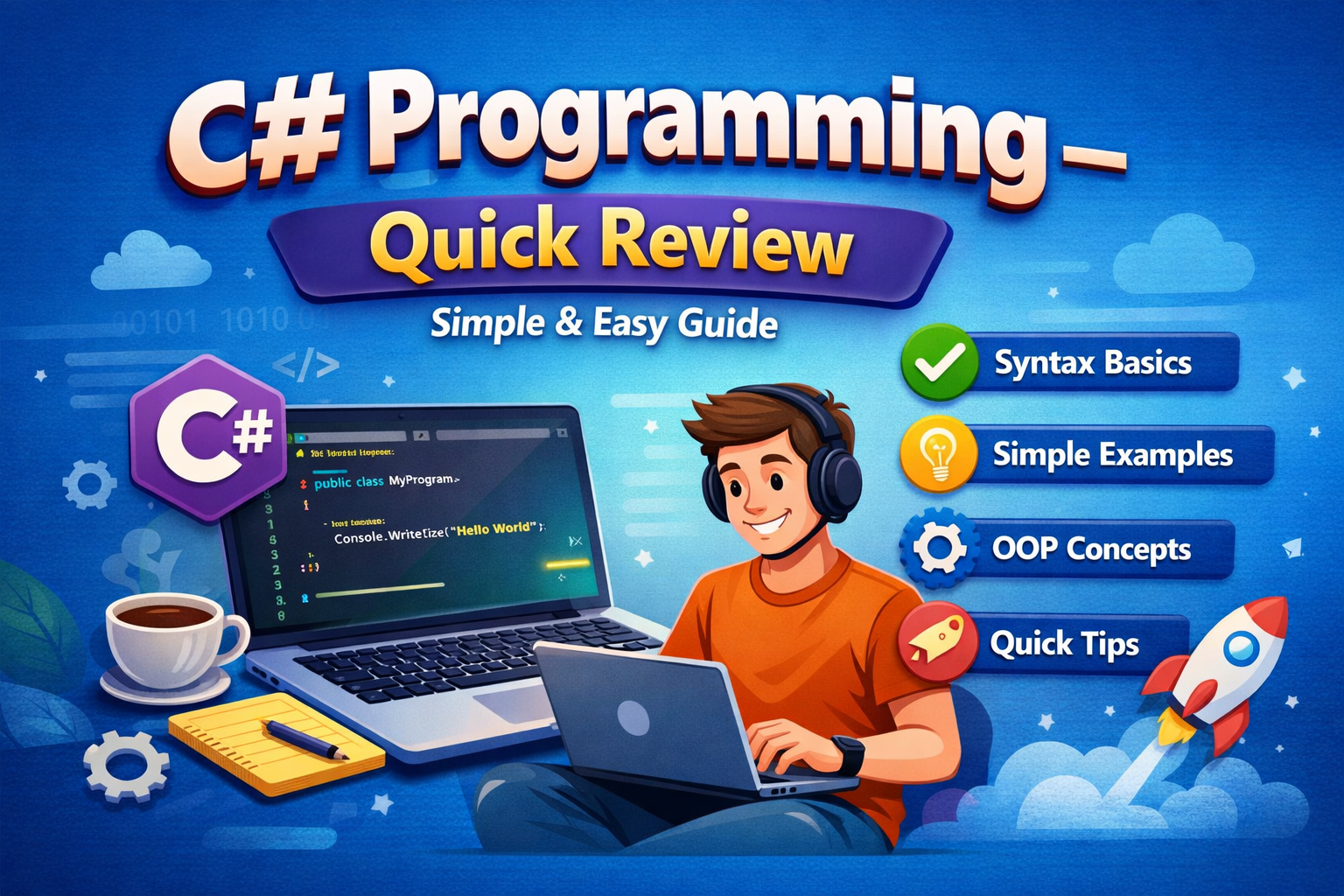
C# (C‑Sharp) is a modern, object‑oriented programming language developed by Microsoft and widely used for web, desktop, mobile, cloud, and game development.
In this blog, each C# topic is explained in one simple line followed by a small example program, written in easy English, and the content is perfect for beginners and interview preparation.
1. What is C#?
C# is a programming language used to create different types of applications on the .NET platform.
Console.WriteLine("Hello C#");C# was developed by Microsoft, led by Anders Hejlsberg, as part of the .NET framework.
2. Program Structure
A C# program starts execution from the Main() method.
class Program
{
    static void Main()
    {
        Console.WriteLine("Start Here");
    }
}
3. Variables
Variables store data values in memory for program use.
int age = 25;
Console.WriteLine(age);
4. Data Types
Data types define what kind of data a variable can hold.
| Data Type | Size | Description | Example |
|---|---|---|---|
int | 4 bytes | Stores whole numbers | int a = 10; |
long | 8 bytes | Stores large whole numbers | long b = 123456789; |
float | 4 bytes | Stores decimal numbers (single precision) | float f = 10.5f; |
double | 8 bytes | Stores decimal numbers (double precision) | double d = 99.99; |
decimal | 16 bytes | Stores financial/accurate decimal values | decimal price = 100.50m; |
char | 2 bytes | Stores a single character | char grade = 'A'; |
string | Varies | Stores text (multiple characters) | string name = "Krishna"; |
bool | 1 byte | Stores true or false values | bool isActive = true; |
byte | 1 byte | Stores small positive numbers (0–255) | byte n = 255; |
short | 2 bytes | Stores small whole numbers | short s = 32000; |
object | Varies | Base type of all data types | object obj = 10; |
var | Varies | Automatically detects data type | var x = 5; |
string name = "Krishna";
bool isActive = true;
5. Type Casting
Type casting converts one data type into another.
int a = 10;
double b = a;
6. Operators
Operators perform calculations and comparisons.
int x = 10 + 5;
Console.WriteLine(x);
7. if Statement
The if statement executes code when a condition is true.
if (age >= 18)
    Console.WriteLine("Adult");
8. if‑else Statement
The if‑else statement chooses between two conditions.
if (age >= 18)
    Console.WriteLine("Adult");
else
    Console.WriteLine("Minor");
9. Switch Statement
The switch statement selects one option from many choices.
int day = 1;
switch (day)
{
    case 1: Console.WriteLine("Monday"); break;
}
10. for Loop
A for loop repeats code a fixed number of times.
for (int i = 1; i <= 3; i++)
    Console.WriteLine(i);
11. while Loop
A while loop runs as long as the condition is true.
int i = 1;
while (i <= 3)
{
    Console.WriteLine(i);
    i++;
}
12. foreach Loop
The foreach loop is used to iterate through collections.
int[] nums = {1,2,3};
foreach (int n in nums)
    Console.WriteLine(n);
13. Methods
Methods are reusable blocks of code that perform a task.
static void SayHi()
{
    Console.WriteLine("Hi");
}
14. Parameters
Parameters allow methods to receive input values.
static void Add(int a, int b)
{
    Console.WriteLine(a + b);
}
15. Arrays
Arrays store multiple values of the same type.
int[] marks = {80, 90, 100};
Console.WriteLine(marks[0]);
16. List Collection
List is a dynamic collection that can grow in size.
List<string> names = new List<string>();
names.Add("Raj");
17. Class
A class is a blueprint for creating objects.
class Student
{
    public string name;
}
18. Object
An object is an instance of a class.
Student s = new Student();
s.name = "Ravi";
19. Encapsulation
Encapsulation protects data using private variables.
class User
{
    private int age;
    public int Age { get; set; }
}
20. Inheritance
Inheritance allows one class to use another class’s properties.
class Animal { }
class Dog : Animal { }
21. Polymorphism
Polymorphism allows methods to work differently based on objects.
class A { public virtual void Show(){} }
class B : A { public override void Show(){} }
22. Abstraction
Abstraction hides implementation details from users.
abstract class Shape
{
    public abstract void Draw();
}
23. Interface
An interface defines rules that classes must follow.
interface ITest
{
    void Run();
}
24. Constructor
A constructor initializes objects automatically.
class Car
{
    public Car()
    {
        Console.WriteLine("Car Created");
    }
}
25. Exception Handling
Exception handling manages runtime errors safely.
try { int x = 10 / 0; }
catch { Console.WriteLine("Error"); }
26. File Handling
File handling allows reading and writing files.
File.WriteAllText("a.txt", "Hello");
27. LINQ
LINQ helps query data easily from collections.
int[] n = {1,2,3};
var r = n.Where(x => x > 1);
28. Date and Time
DateTime is used to handle date and time values.
Console.WriteLine(DateTime.Now);
29. Multithreading
Multithreading allows multiple tasks to run simultaneously.
Thread t = new Thread(() => Console.WriteLine("Run"));
t.Start();
30. Garbage Collection
Garbage collection automatically frees unused memory.
// Handled automatically by .NET
31. C# in Web Development
C# is used in ASP.NET to build web apps and APIs.
return Ok("Hello API");
32. C# in Game Development
C# is used in Unity to build games.
Debug.Log("Game Start");
33. Advantages of C#
C# is easy to learn, secure, and powerful.
// Strong typing and safety
34. Disadvantages of C#
C# depends on the .NET runtime.
// Needs .NET installed
35. Interview Key Points
C# supports OOP, garbage collection, LINQ, and exception handling.
36. Conclusion
C# is a beginner‑friendly yet powerful language used across many industries. Learning its basics with small examples makes it easy to understand and apply in real projects.
This blog provides a clear one‑line explanation with example for every topic, making it ideal for exams and interviews.