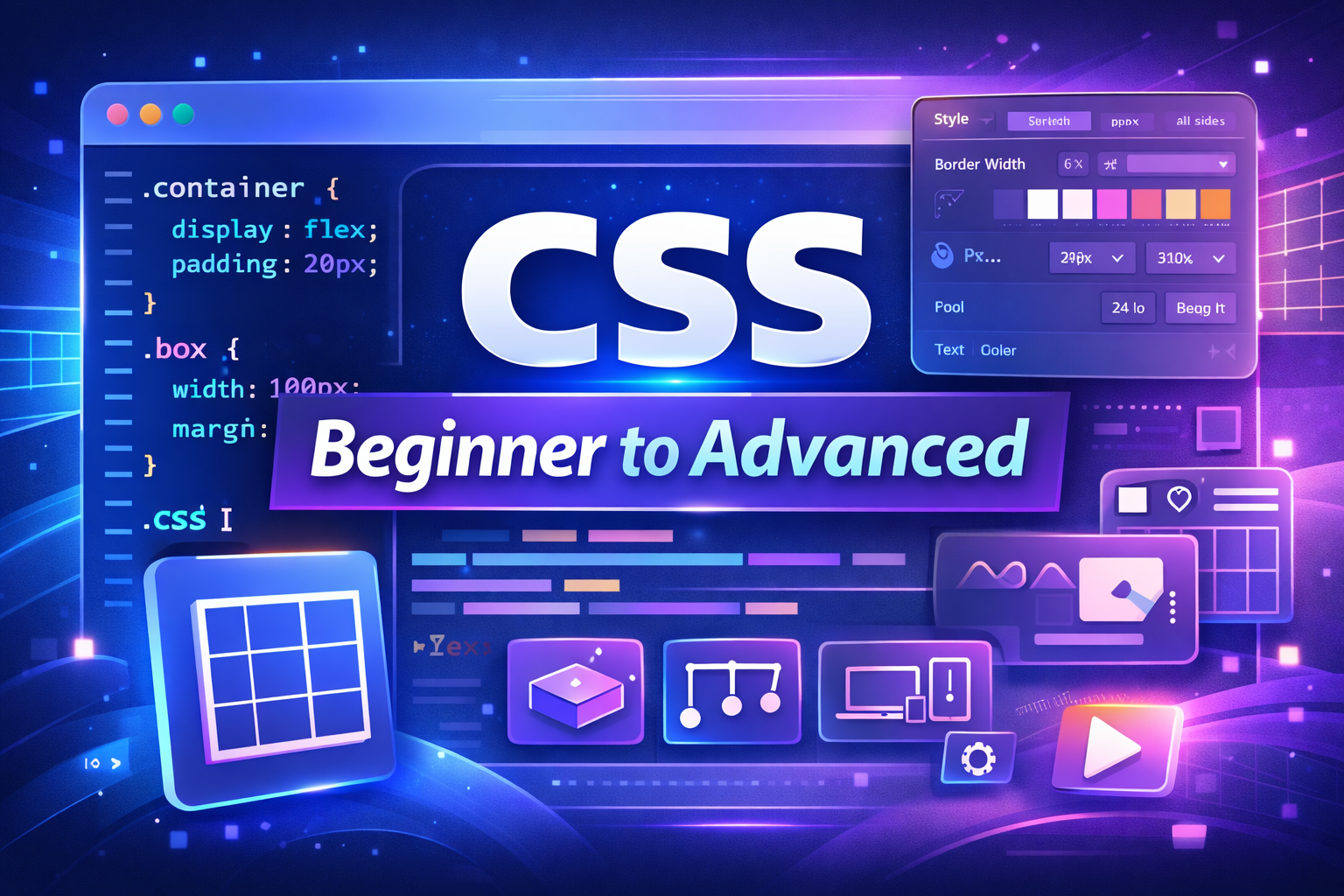
CSS (Cascading Style Sheets) is used to design and style web pages. While HTML creates the structure of a website, CSS controls layout, colors, fonts, spacing, responsiveness, and animations. Learning CSS from beginner to advanced levels helps developers create modern, attractive, and professional websites.
1. What is CSS?
CSS is a styling language used to design HTML elements. It controls colors, layouts, fonts, spacing, and responsiveness.
2. Types of CSS
There are three ways to apply CSS:
Inline CSS
Applied directly inside HTML tags.
<p style="color: red;">Hello</p>
Internal CSS
Defined inside <style> tag.
<style>
p { color: blue; }
</style>
External CSS
Stored in separate .css file.
<link rel="stylesheet" href="style.css">
3. CSS Syntax
CSS follows selector and declaration format.
selector {
  property: value;
}
4. CSS Selectors
Selectors target HTML elements.
Examples:
p { color: black; }
.className { color: red; }
#idName { color: green; }
5. CSS Colors
CSS supports multiple color formats.
color: red;
color: #ff0000;
color: rgb(255,0,0);
6. Background Properties
Used to style element backgrounds.
background-color: yellow;
background-image: url("image.jpg");
background-size: cover;
7. CSS Borders
Used to add borders around elements.
border: 2px solid black;
border-radius: 10px;
8. CSS Margin
Margin controls outer spacing.
margin: 20px;
margin-top: 10px;
9. CSS Padding
Padding controls inner spacing.
padding: 15px;
10. CSS Height and Width
Controls element size.
width: 200px;
height: 100px;
11. CSS Box Model
Includes content, padding, border, and margin. It controls spacing and layout structure.
12. CSS Display Property
Controls element display behavior.
display: block;
display: inline;
display: flex;
display: none;
13. CSS Positioning
Controls element placement.
position: static;
position: relative;
position: absolute;
position: fixed;
14. CSS Float and Clear
Used for layout design.
float: left;
clear: both;
15. CSS Flexbox
Used for responsive layout alignment.
display: flex;
justify-content: center;
align-items: center;
Flexbox simplifies horizontal and vertical alignment.
16. CSS Grid
Advanced layout system.
display: grid;
grid-template-columns: repeat(3, 1fr);
Grid allows complex two-dimensional layouts.
17. CSS Fonts
Controls text styling.
font-family: Arial;
font-size: 18px;
font-weight: bold;
18. CSS Text Styling
Used for text formatting.
text-align: center;
text-decoration: underline;
text-transform: uppercase;
19. CSS Icons
Icons can be added using Font Awesome or SVG.
20. CSS Lists Styling
Used to customize list appearance.
list-style-type: square;
21. CSS Tables Styling
Used to style tables.
table {
  border-collapse: collapse;
}
22. CSS Forms Styling
Improves input field design.
input {
  border: 1px solid gray;
  padding: 10px;
}
23. CSS Hover Effects
Used to create interactive UI.
button:hover {
  background-color: blue;
}
24. CSS Transitions
Adds smooth animation effects.
transition: 0.3s;
25. CSS Animations
Used for complex animations.
@keyframes example {
  from { background-color: red; }
  to { background-color: yellow; }
}
26. CSS Transform
Used to rotate, scale, or move elements.
transform: rotate(45deg);
transform: scale(1.2);
27. CSS Responsive Design
Used to make websites mobile-friendly.
@media (max-width: 600px) {
  body { background-color: lightblue; }
}
28. CSS Variables
Stores reusable values.
:root {
  --main-color: blue;
}
29. CSS Pseudo Classes
Used to style element states.
a:hover { color: red; }
input:focus { border-color: blue; }
30. CSS Pseudo Elements
Used to style specific parts.
p::first-letter {
  font-size: 30px;
}
31. CSS Z-Index
Controls overlapping elements.
z-index: 10;
32. CSS Overflow
Controls content overflow.
overflow: hidden;
overflow: scroll;
33. CSS Shadows
Adds shadow effects.
box-shadow: 2px 2px 10px gray;
text-shadow: 1px 1px 2px black;
34. CSS Gradients
Creates smooth color transitions.
background: linear-gradient(red, yellow);
35. CSS Object Fit
Controls image resizing.
object-fit: cover;36. CSS Best Practices
- Use external CSS
- Avoid inline styling
- Use meaningful class names
- Maintain clean code structure
37. CSS Frameworks
Popular frameworks:
- Bootstrap
- Tailwind CSS
- Foundation
38. CSS Preprocessors
Advanced CSS tools:
- Sass
- Less
They allow variables, nesting, and reusable code.
39. CSS Performance Optimization
- Minify CSS
- Use compressed images
- Remove unused styles
40. Common CSS Interview Questions
What is CSS Box Model?
It includes content, padding, border, and margin.
Difference between Flexbox and Grid?
Flexbox is one-dimensional layout. Grid is two-dimensional.
Difference between class and id?
Class can be reused. ID is unique.
What is Responsive Design?
Design that adjusts for different screen sizes.
Conclusion
CSS is essential for designing modern websites. Mastering layouts, responsiveness, animations, and styling techniques improves both development skills and interview performance. Learning advanced features like Flexbox, Grid, and CSS variables helps developers create professional and scalable web applications.